What happens if your data disappears tomorrow?
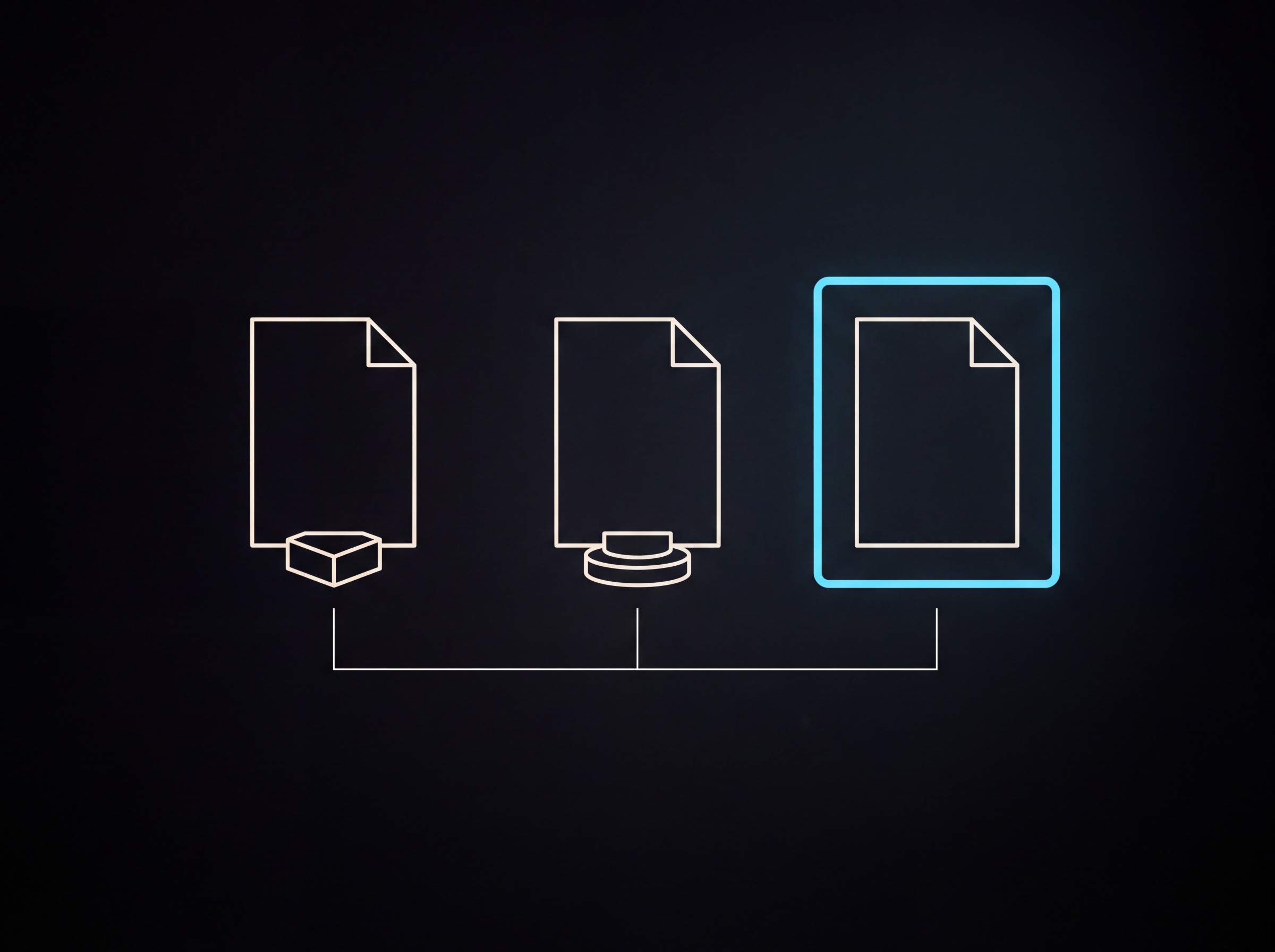
At most businesses it isn't a big catastrophe that takes the data, it's something far more everyday: somebody deletes a folder, a sync overwrites a good version, or three years of email disappears along with a departing colleague's account. The question isn't whether it will happen, it's how long it takes you to get back on your feet afterwards.
In this piece we go through what counts as a real backup, why the cloud on its own isn't one, and the handful of settings worth putting in place before you need them.
The short version
- A cloud service isn't a backup. Microsoft 365 and Google Workspace are responsible for the infrastructure; you're responsible for the content.
- The recycle bin isn't a backup: it typically keeps things for a few weeks, and it doesn't protect against ransomware or deliberate deletion.
- The 3-2-1 rule is the minimum: three copies, on two different types of media, one of them off site.
- A backup is worth something once you've restored from it at least once. What you haven't tested, you don't know works.
- Before choosing a frequency, decide how much downtime and how much lost work you can bear. Those two numbers determine everything else.
What exactly do you lose?
"The data was lost" is too abstract for anyone to act on. It's worth going through it item by item, because the list is usually longer than it first appears.
- Client data. Contacts, contracts, earlier quotes, correspondence.
- Finance. Invoices issued and received, supporting accounting material. Some of this you're required by law to keep for years.
- Operations. Price lists, templates, process descriptions, the "how we do it here" knowledge that isn't written down anywhere.
- Website and webshop. Content, product data, order history, the pages indexed by search engines.
- Creative material. Photographs, raw video, design files. These are the most expensive to remake, because they can't be "worked out" again.
- Access. If an account is lost, it isn't only the data in it that disappears, it's the way into the services tied to it.
At most companies the last two points hurt the most, because they're the ones least often copied.
The most expensive misunderstanding: the cloud isn't a backup
This is the point where most small businesses miscalculate. If your files are in OneDrive or Google Drive, that doesn't mean they're backed up.
The large providers operate on what's called a shared responsibility model. They're responsible for the service being available, their servers not burning down and the data centre not collapsing. What happens to the data, however, is the user's responsibility. If you delete something, it's deleted. If ransomware encrypts the files on your machine, the sync uploads the encrypted version.
The recycle bin isn't a backup either
Recycle bins exist and they solve plenty of everyday mistakes, but they don't replace a backup, for two reasons. First, they only keep things for a limited time: in Microsoft 365 the second-stage recycle bin in SharePoint and OneDrive holds deleted items for 93 days by default, and in Google Drive the bin holds them for 30. Second, the bin is in the same system as the original. If someone gets into the account, they can empty the bin too.
Version history is similarly useful and similarly limited: you can restore an overwritten document, but not a deleted account.
The 3-2-1 rule, and what 2026 added to it
The professional ground rule for backups has been the same for decades, and it's still a good starting point.
Three copies of the data, on two different types of media, one of them off site.
The logic is simple: no single failure should be able to take all three copies.
In recent years this has been extended, primarily because of ransomware. The extended version is usually referred to as 3-2-1-1-0, and it adds two things:
- +1: one immutable or disconnected copy. An immutable, write-protected backup can't be overwritten or deleted even by an attacker who has obtained administrator rights.
- +0: zero errors when the restore is checked. Meaning the backup has to be restored regularly and inspected to see that it's intact.
There's one more consideration that rarely comes up: a lot of ransomware sits quietly in a system for weeks before encrypting anything. If you only have backups going back a few days, it's quite possible that every remaining copy is already infected. Which is why it's worth keeping at least a few months of history.
Two numbers that decide everything else
Before choosing a provider or a frequency, you have to answer two questions. The industry calls them RPO and RTO, but they can be put in plain words.
How much work can you afford to lose? This is the recovery point objective (RPO). If you back up once a day, then in the worst case a day's work is lost. At an accountancy practice that's unacceptable; for a portfolio site it's entirely fine.
How long can you manage without the system? This is the recovery time objective (RTO). Four hours of downtime at a webshop can be measured in lost revenue; at an internal document store, typically not.
These two numbers decide how much is worth spending on backups. If an hour of downtime costs two hundred thousand forints, then a backup service at a few thousand a month isn't a cost, it's insurance. If, on the other hand, a week of downtime is only an inconvenience, buying the most expensive solution is unnecessary.
What you can set up today
You don't need to do everything at once. This order works at most small businesses and can be carried through in roughly an afternoon.
- List where your data is. Email, cloud storage, the website, the webshop, the invoicing system, the accounting program, social accounts, colleagues' machines. Whatever isn't on the list doesn't get backed up.
- Check what's already backed up. Many hosting providers take a daily backup, but often keep it only for a few days, and a restore isn't always free. That's not a problem, you just have to know about it.
- Include the cloud accounts too. Microsoft 365 and Google Workspace need a separate backup service if there's important data in them.
- Have one copy that can't be touched with day-to-day access. That's the copy that survives a ransomware incident too.
- Set up notifications. If a backup has been failing for weeks, you need to hear about it.
- Try a restore. Pick a folder, restore it, open it. This is the step almost everyone skips, and it's the only one that proves the system works.
- Write down what sits where. One page is enough: which system is backed up by what, to where, for how long it's kept, and who has access. If you aren't available, somebody else has to know too.
When do you find out the backup wasn't good?
Always at the same moment: when you need it. The three most common cases you come across:
The backup had been failing for months but nobody looked. The backup ran, but didn't include the system that broke. The backup was there, but the restore took three days, and the business was stopped throughout.
All three can be prevented with the same action: restore something from time to time and look at the result.
Frequently asked questions
Is the cloud enough if everything is in OneDrive or Google Drive?
- No. The provider is responsible for the infrastructure, the user for the content of the data. If somebody deletes or overwrites something, it's deleted in the cloud too, and the recycle bins only keep it for a limited time.
How often do you need to back up?
- It depends how much work you can afford to lose. If losing a day would hurt, you need a daily backup. At most small businesses a daily automatic backup with a few months of history is a good balance.
What does a backup system cost at a small business?
- Per-user cloud backup typically starts from a few hundred forints a month, and hosting backups are often included in the package. The real question isn't the fee, it's what an outage would cost.
What is an immutable backup?
- A copy that nobody can overwrite or delete until its retention period expires, not even with administrator rights. It protects against ransomware, which also tries to reach the backups.
How long do company records have to be kept?
- Accounting and tax documents are subject to a statutory retention period, typically eight years. For operational data there's no requirement; there the business need decides. Retention and backup aren't the same thing: archiving is long-term storage, a backup is fast restoration.
In summary
A backup is the investment whose benefit you only see when something goes wrong. Which is exactly why it keeps slipping off the list of important tasks. The good news is that at most small businesses it isn't a months-long project: an inventory, an automatic backup of the important systems, a disconnected copy, and a test restore. That already handles most of the trouble.
If you don't know where your company stands on this, start with the inventory. That alone tells you a great deal.
