The menu that updates itself
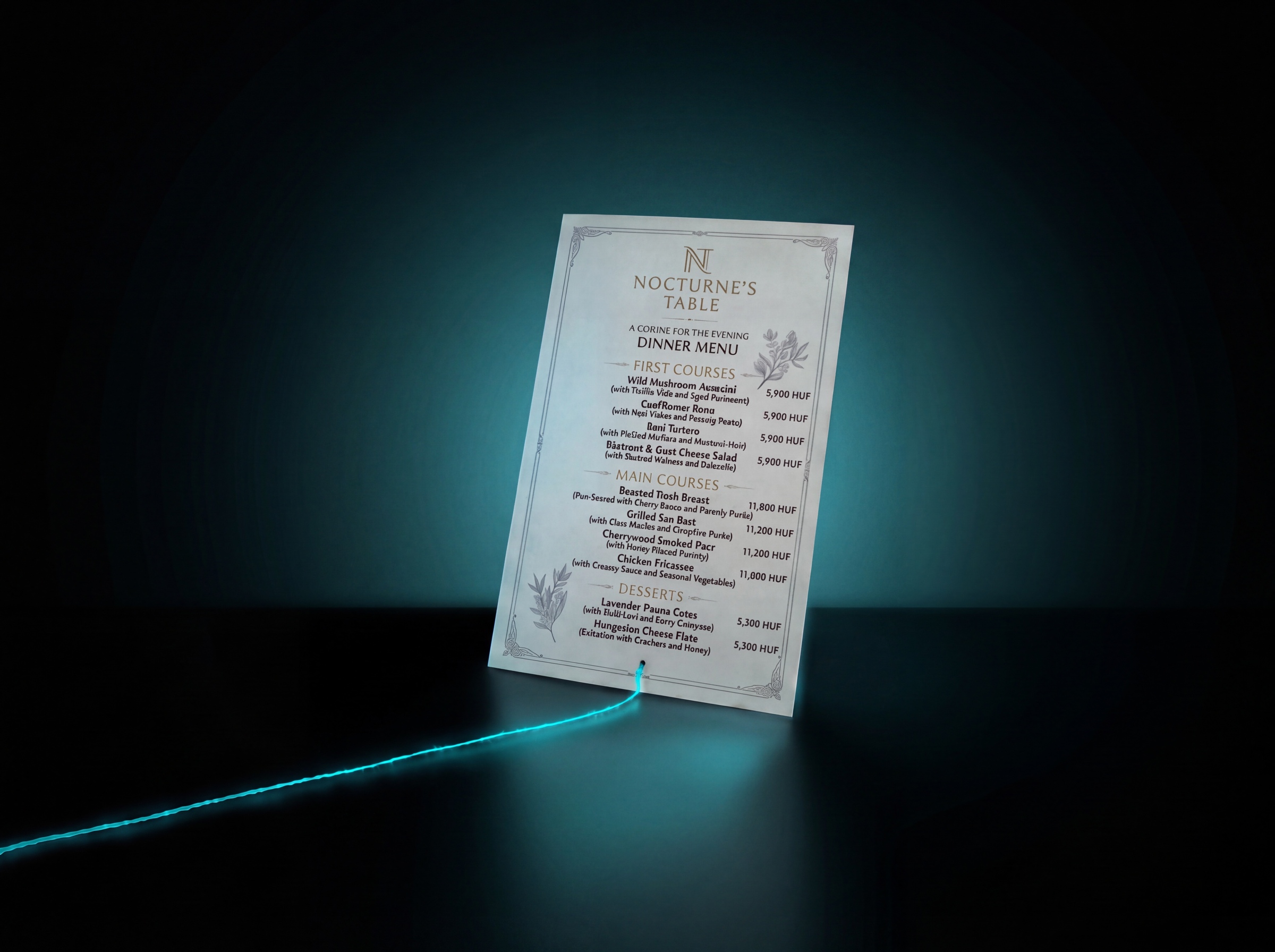
A restaurant keeps its menu in three places: on its website, in a printable PDF it sends out by email, and in a spreadsheet the kitchen works from. When a price changes, all three have to be rewritten. The third time round one of them gets missed, and the guest sees a different price on the website than on the bill.
This article is about that one very ordinary problem, because it shows well what automation means in practice. Not artificial intelligence, not robots: the fact that you write a piece of data down once, and everything else follows on its own.
The short version
- Automation doesn't replace the work, it replaces entering the same thing in several places.
- The basis is always a single source of truth: one place where the data officially lives.
- The solution has four parts: data source, trigger, generation, publishing.
- The hard part isn't the technology, it's deciding who may write into the source and when.
- A process like this is typically a few days' work, and from then on every update takes minutes.
What is the real problem?
At first glance it's that there's a lot of work. Actually there isn't: rewriting the menu takes five minutes on its own. The problem is that it has to be done three times, on three different surfaces, and nothing warns you if one gets missed.
Processes like this are expensive for two reasons. First, the error doesn't surface where it was made but in front of the guest, in an awkward moment. Second, the fear of the error slows the decision down: if changing a price is painful, people touch it less often than they should.
The same pattern turns up all over the place. A product list in the webshop and in a quote. Opening hours on the website, in the Google profile and on the front door. Colleagues' contact details in the signature, on the website and in the internal list. Everywhere the same thing: one piece of data, several appearances, manual syncing.
The principle: one place where the data lives
The first step of the solution isn't technical, it's a decision. You have to name the one place where the data officially exists. Everything else is just display.
This is called a single source of truth. In the case of the menu it's the spreadsheet: that's where the name, price, category and allergens of each item live, and whether it's currently available. The website and the PDF don't store data, they only show what's in the spreadsheet.
A spreadsheet is a good source for a small business because it already exists and everyone knows how to use it. Nobody has to learn a new system for the process to work.
What should the spreadsheet look like?
A few rules, without which even the most elegant automation breaks:
- One row, one item. No merged cells, no two pieces of data in one field.
- A separate column for everything. Price apart from name, category apart from description.
- The price should be a number, not text. „2 400 Ft” behaves as text, 2400 as a number.
- Have a status column. „visible” or „hidden”, for instance, so seasonal items don't have to be deleted, only hidden.
- Don't carry meaning in formatting. A red background means „sold out” to you; it means nothing to the system.
Those few rules are half the work. If the spreadsheet is tidy, the rest is a technical question.
The four parts of the process
Every automation, whatever tool it's built with, consists of the same four parts.
- Data source. This is where the data comes from. In this case the spreadsheet.
- Trigger. This is what starts the process. It can be a save in the spreadsheet, a button, a schedule (every night, for example), or a manual start. In most cases saving is the most convenient, but sometimes a „Publish” button is safer, so a half-finished state doesn't go out.
- Generation. This is where the two outputs are produced: the data for the menu section of the website and the printable PDF. The PDF is built from a pre-designed template into which the system substitutes the current rows. The layout, the typeface and the position of the logo are fixed; only the content changes.
- Publishing. The website refreshes and the PDF is available at the usual address. It matters that the PDF's link does not change: that way the reference in emails sent out earlier also points to the current version.
How much work is it, and how long before it pays back?
Building a process like this is typically a few days, depending on the number of outputs and how designed the PDF is. Most of the time goes not on development but on tidying up the spreadsheet and designing the template.
The payback is rarely measured in the minutes saved; it's more these three things:
- The discrepancy disappears. The website and the PDF always say the same thing, because they're made from the same source.
- Updating becomes cheap. If a price change takes two minutes, people dare to touch it. If it takes twenty, they put it off.
- It doesn't need a specialist. The update is done by whoever handles the spreadsheet anyway.
That last point is the most important.
An automation is good if its operation afterwards does not depend on you.
Where does it usually fail?
It's worth knowing the typical mistakes in advance, because each one is cheap to prevent.
Several people write to the source without coordinating. If three people edit the spreadsheet, sooner or later someone overwrites something. The answer isn't a ban but permissions: let one or two people write, and everyone else only look.
A typo gets into the source and appears everywhere at once. This is the flip side of automation: the error speeds up too. Two things help. One is validation in the spreadsheet: if the price column only accepts numbers, „24OO” won't get through. The other is the publish button, which ties the release to a human decision.
Someone changes the structure of the spreadsheet. Inserting a new column or renaming one can stop the process. The best defence is a short note beside the spreadsheet about what must not be renamed.
There's no alert when it breaks. If the generation fails, someone needs to know. An automatic email is enough.
When is it worth it, and when isn't it?
Not every repetitive task is worth automating. Three questions usually settle it.
How often does it change? If a piece of data changes once a year, rewriting it by hand is cheaper than building the system.
In how many places does it appear? With one appearance there's nothing to sync. From two it starts to get interesting; at three it almost certainly pays off.
What does the error cost? If the discrepancy is merely awkward, it can wait. If it touches a price, a deadline or legal content, accuracy alone justifies the investment.
If the answer to all three is yes, it's probably worth starting. If it's no to all of them, the manual solution is the right decision, and we tend to say so.
Frequently asked questions
What is this solution good for besides a menu?
- Anything that appears in several places from the same data: product list, price list, opening hours, colleagues' contact details, available appointments, stock levels. The principle is always the same.
Does day-to-day use need programming knowledge?
- No. Day-to-day use amounts to someone changing a cell in the spreadsheet. The programming work is one-off, at the point the process is built.
What happens if the automation breaks?
- In a well-built process the previous state remains and an alert goes out about the error. The website doesn't empty out, it just doesn't refresh until the fault is fixed.
Isn't a proper system better than a spreadsheet?
- With larger volumes of data and more users, yes. In a small business the advantage of the spreadsheet is that it already exists, everyone knows it, and it doesn't require a new subscription. The source can be swapped out later at any time without the other parts changing.
What does building a process like this cost?
- It depends on the number of outputs and the complexity of the template. After the assessment you get a concrete quote, and the fee is tied to the work actually delivered.
In summary
Automation is mostly unspectacular. No job disappears, the system doesn't get smarter. All that happens is that you write a piece of data down once, and afterwards you don't have to remember how many other places it appears in.
If there's data in your company that you regularly copy into three places, that's a good candidate. There's no need to think in terms of a big project: one process, one measurable result, and only then the next one.
